应用介绍
来自 App Store 商店页
Create stunning designs effortlessly with AI powered graphics generation, ready made templates, and flexible project creation tools. Save, manage, and continue your work anytime with smart draft management designed for seamless creativity.
Generate Creative Graphics
Create stunning and creative graphics instantly with the power of AI. Our app helps you turn your ideas into unique designs by simply entering a prompt or concept, selecting your preferred design style, choosing custom dimensions, and adding any extra instructions. Whether you need social media posts, digital artwork, marketing visuals, or creative content, the app generates high quality graphics tailored to your vision in just a few clicks.
Templates
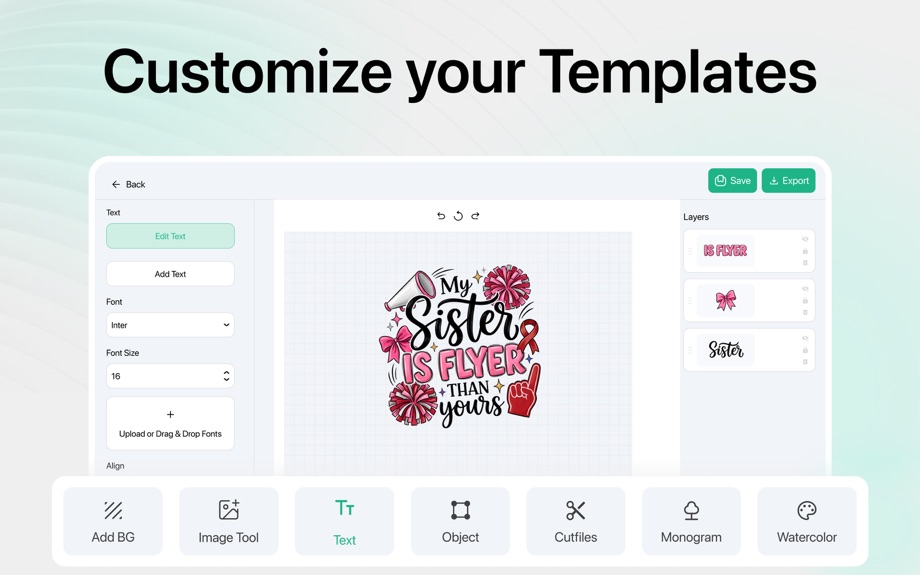
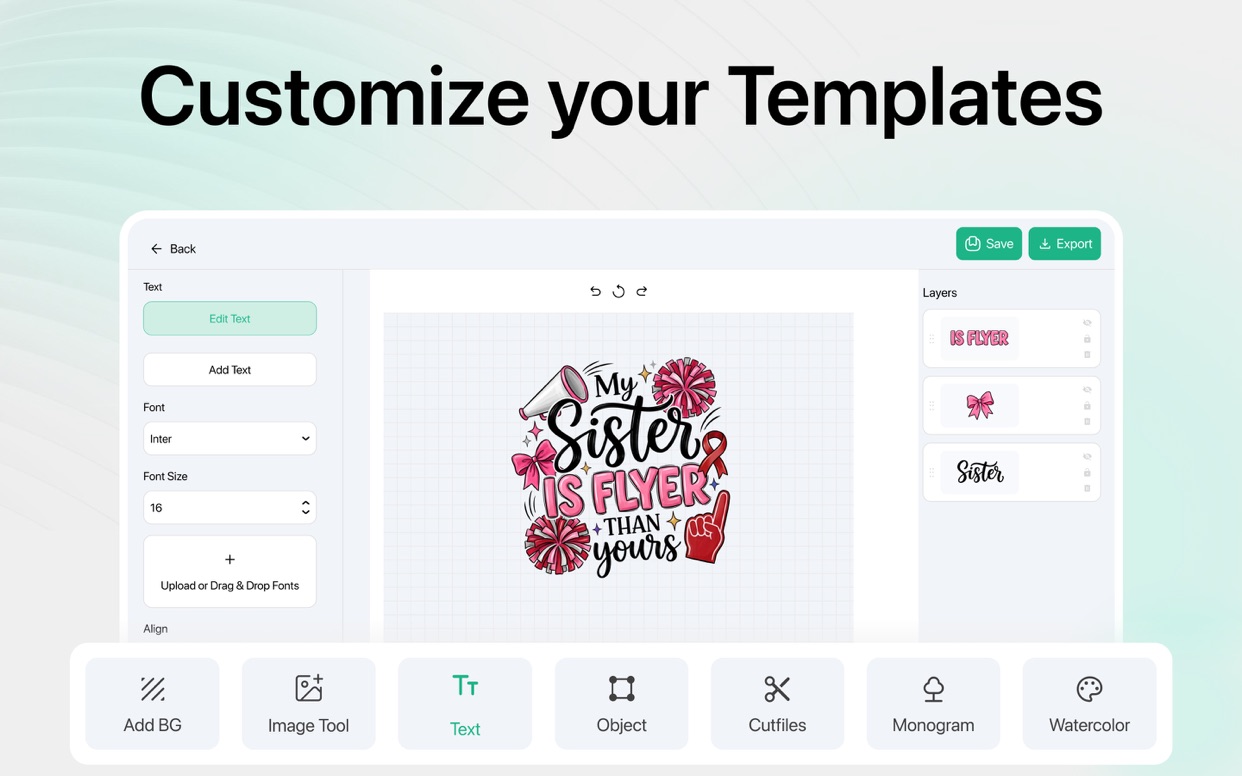
Easily create professional designs with customizable ready-made templates. Browse through a wide collection of beautifully designed templates for social media, marketing, business, and creative projects, then personalize them to match your style and needs.
Create Custom Project
Create custom projects effortlessly with powerful and flexible editing tools designed for every type of creator. Start your work from a blank canvas, generate unique designs with AI, or choose from professionally crafted templates to speed up your workflow. Personalize your projects by adding text and images, editing colors, adjusting layouts, and fine-tuning every detail to match your vision.
Save in Draft
Keep your creative work organized with the Drafts feature, designed to store unfinished and saved projects securely in one place. Easily return to your drafts anytime to continue editing and refining your designs without losing progress. Users can manage their projects effortlessly by updating existing drafts, deleting unwanted files, and exporting completed designs in high quality whenever they are ready to share or use them.
Export & Sharing Designs
Export and share your designs with ease using flexible saving and sharing options. Users can save their creations locally on their device and export designs in multiple high-quality formats, including transparent PNG, non-transparent PNG, and JPG, making them perfect for digital content, branding, and print use.
Subscription:
Subscription payments will be charged to your iTunes account upon confirmation of purchase. Your subscription will automatically renew unless auto renew is turned off at least 24 hours before the end of the current period, and the renewal cost will depend on your chosen plan. Subscriptions that include a free trial will automatically convert to a paid plan unless canceled before the trial ends. You can manage or cancel auto renewal in your Account Settings at any time. Any cancellation will take effect 24 hours after the final day of your current subscription period, after which your account will be downgraded.
Terms of Use:
https://sites.google.com/laibafam.com/designstudio-mac/terms
Privacy policy:
https://sites.google.com/laibafam.com/designstudio-mac/privacy-policy